Printable stickers from photos
Turn a photo into a printable sticker
Print-ready stickers need more than a background eraser: they need a clean outline and enough resolution to look sharp on paper. Upload a photo and export a high-resolution transparent PNG you can print on sticker sheets at home or through a print shop.
Create one free stickerJPG, PNG, WebP, GIF · up to 10 MB · 1 free sticker after a quick Google sign-in
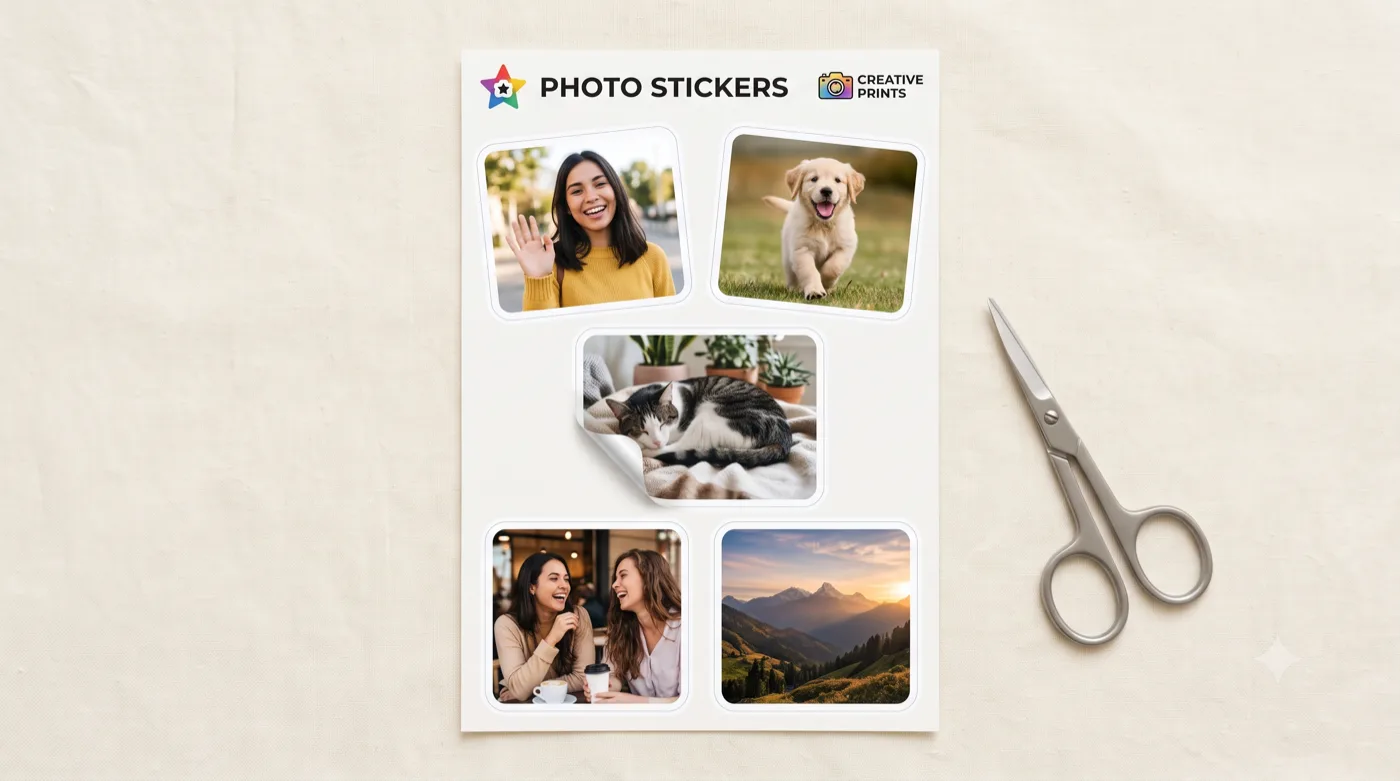
AI-generated example — your own photo produces your own result.
How it works
Three steps to your sticker
Start with a high-res photo
Upload the sharpest, largest version of your photo so it still looks crisp once it is printed.
Export a print-ready cutout
Get a transparent PNG with a clean outline that reads as a real die-cut rather than a floating photo.
Print on sticker paper
Size the artwork near 300 DPI, print on sticker sheets, and laminate on top for durability.
Get the best result
Tips that actually help
For makers, small sellers, and hobbyists who want to print stickers from their own photos.
Start with a big source
The larger and sharper your original photo, the better it holds up when printed. Low-res sources look soft on paper.
Keep the white outline
A consistent outline is what makes a printed cutout look like a real die-cut sticker rather than a floating photo.
Print at 300 DPI
For crisp results, size your artwork so it prints at around 300 DPI on your sticker paper.
Use proper sticker paper
Glossy or matte sticker paper plus a protective laminate makes prints more durable and water-resistant.
Export & format
You get a high-resolution transparent PNG. Place it in your print layout, size it for roughly 300 DPI, and print on sticker paper. For cutting machines, see the Cricut guide.
Good to know
Questions about this use case
What resolution do I need to print?
Aim for about 300 DPI at your final print size. A sticker printed at 2 inches wide, for example, wants roughly 600 pixels across.
Can I print at home?
Yes — a home inkjet on sticker paper works. A protective laminate sheet on top improves durability and water resistance.
How do I cut them out?
You can trim by hand, use a kiss-cut sheet, or use a cutting machine. See the Cricut photo sticker guide for the print-then-cut workflow.
Ready to try it with your photo?
Sign in with Google and create your first sticker free — one clear photo is all you need to get started.